
Private Voice Keyboard
Your voice stays
on your device.
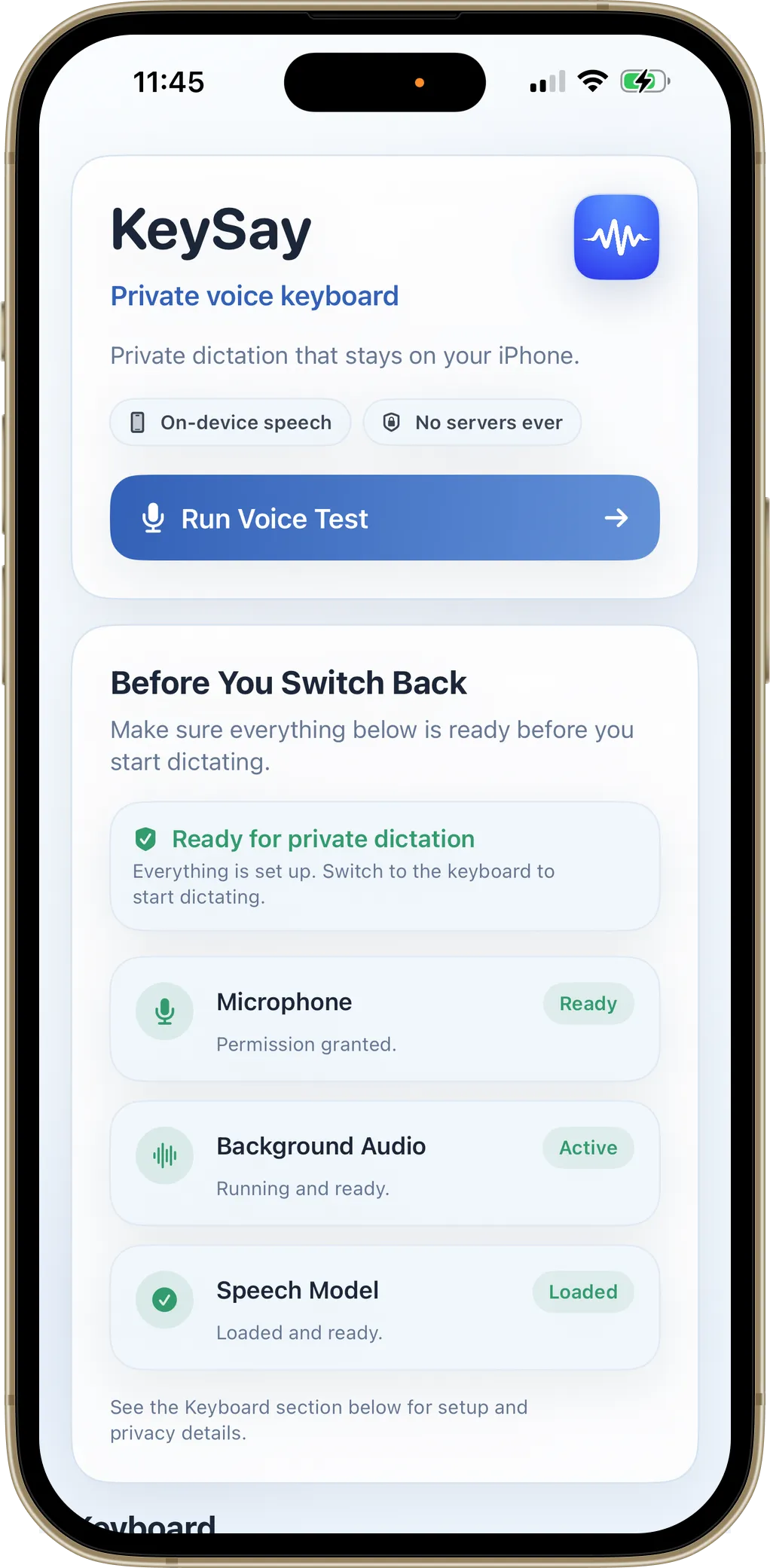
KeySay turns speech into text using on-device AI. Your audio never leaves your iPhone, not even for a moment.
On-device AI
Works offline
No data collected
Download on the
App Store
Whisper AI
Accurate enough to
replace your keyboard.
Powered by OpenAI's Whisper, a speech model trained on 680,000 hours of audio. Go hands-free with Voice Only mode, or use QWERTY + Voice to type and talk interchangeably.

No Connection Required
Dictate anywhere.
Even offline.
KeySay is a system keyboard that works in every app: Messages, Notes, Mail, Safari, and more. Built-in auto-correct cleans up typos so you can speak naturally without going back to edit.
Airplane mode
No Wi-Fi needed
Auto-correct built in
Haptic feedback

One-Time Purchase
Pay once.
Keep forever.
$9.99, one time. No subscription means no reason to harvest your data or show you ads. You're the customer, not the product.
- No monthly fees
- No hidden costs
- Free updates included
One-time
$9.99
Download on the
App Store

Frequently asked questions
- What is KeySay?
- KeySay is a private voice-to-text keyboard for iPhone. It uses OpenAI's Whisper AI model to convert your speech to text entirely on your device. No audio or text data ever leaves your phone.
- How does KeySay protect my privacy?
- All speech recognition happens on your iPhone using the Whisper AI model. There are no servers to send data to, no cloud processing, and no analytics or tracking of any kind. KeySay works completely offline.
- Does KeySay require an internet connection?
- No. KeySay works completely offline. The Whisper AI model runs entirely on your iPhone, so you can dictate text anywhere, even in airplane mode.
- How much does KeySay cost?
- KeySay is a one-time purchase of $9.99. There is no subscription, no monthly fees, and no hidden costs. You pay once and own the full app forever, including free updates.
- What apps does KeySay work with?
- KeySay is a system keyboard, so it works in every app that accepts text input: Messages, Notes, Mail, Safari, and all third-party apps.
- What keyboard layouts are available?
- KeySay offers two layouts: Voice Only mode, which focuses entirely on dictation, and QWERTY + Voice, which adds a full keyboard below the mic controls so you can type and dictate interchangeably.
Still need help? Found a bug? Have a suggestion?
We'd love to hear from you.